
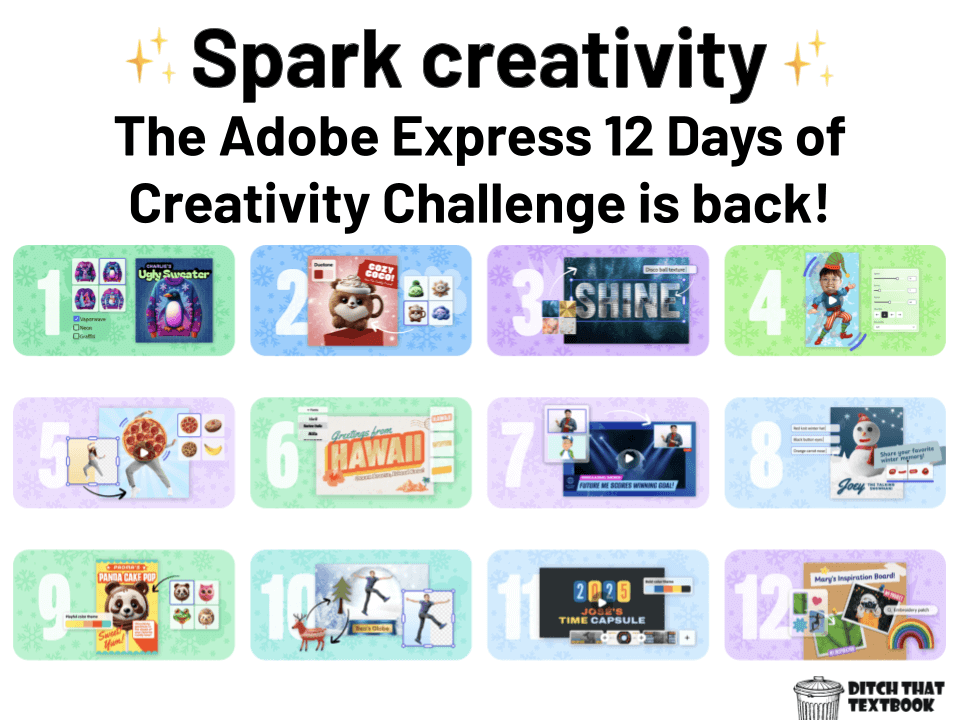
It's time for the 12 Days of Creativity Challenge from Adobe Express!
This year's lineup is fantastic for integrating digital skills and generative AI into any subject area.
Last year's challenge was a blast. The Adobe for Education team has developed another set of bite-sized, high-impact activities designed to bring digital creation to life in your classroom.
These challenges are the perfect way to keep students engaged during those final, festive weeks before break while reinforcing essential digital literacy, digital design, and creativity skills.
The best part for you? Every challenge comes with a ready-to-use template. You won't spend time making templates or writing complex instructions. Students just click the template link you provide them and start creating immediately. This challenge is truly no-prep, allowing you to focus on what matters most.
With templates for everything from designing a vintage postcard (Day 6) to curating an inspiration board (Day 12), Adobe Express makes it incredibly easy for students to jump in, experiment with features, and finish the year strong with genuine creative accomplishment
12 Days of Creativity Challenge
All 12 challenges are ready for you to use with your class. Just click on any button below to learn more about the challenge including a description, example, and template link.
Important note: The activities work best on desktop. For the full experience, please access them on your desktop browser.
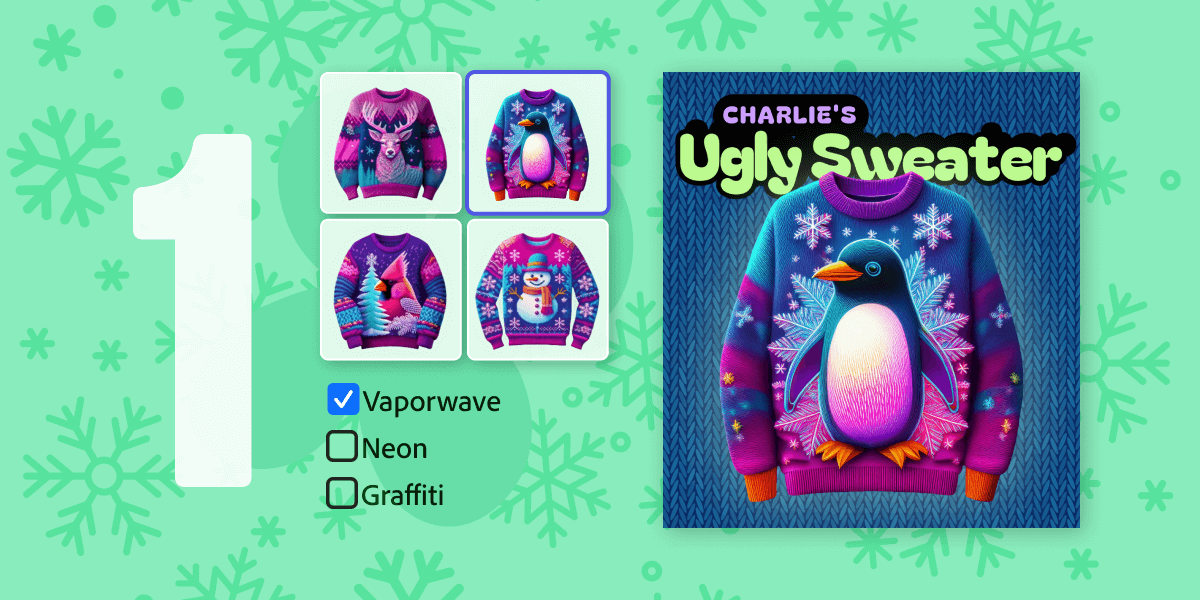
1. Design an ugly sweater
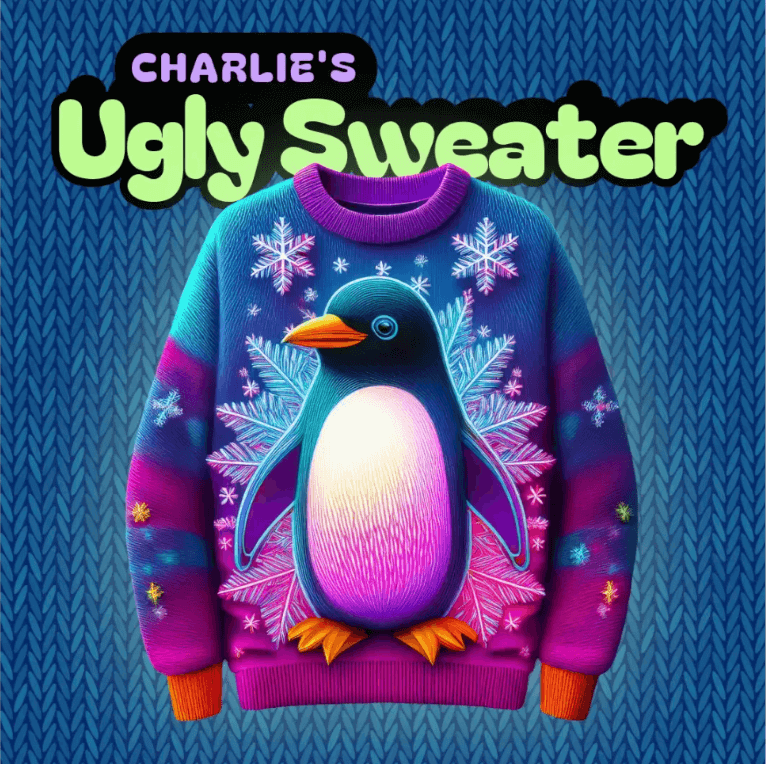
The goal is to create the most outlandish "ugly sweater" possible using Generative AI. This is a great starting point to practice using GenAI Styles and fun background swapping features, focusing on bold 3D visuals and tacky backgrounds.
I'm diving into the 12 Days of Creativity Challenge with @AdobeExpress! 🎉 It's 12 days of quick, fun creative projects. Check out the challenge and join me! 👇#12DaysOfCreativity #AdobeExpress #AdobeEduCreative
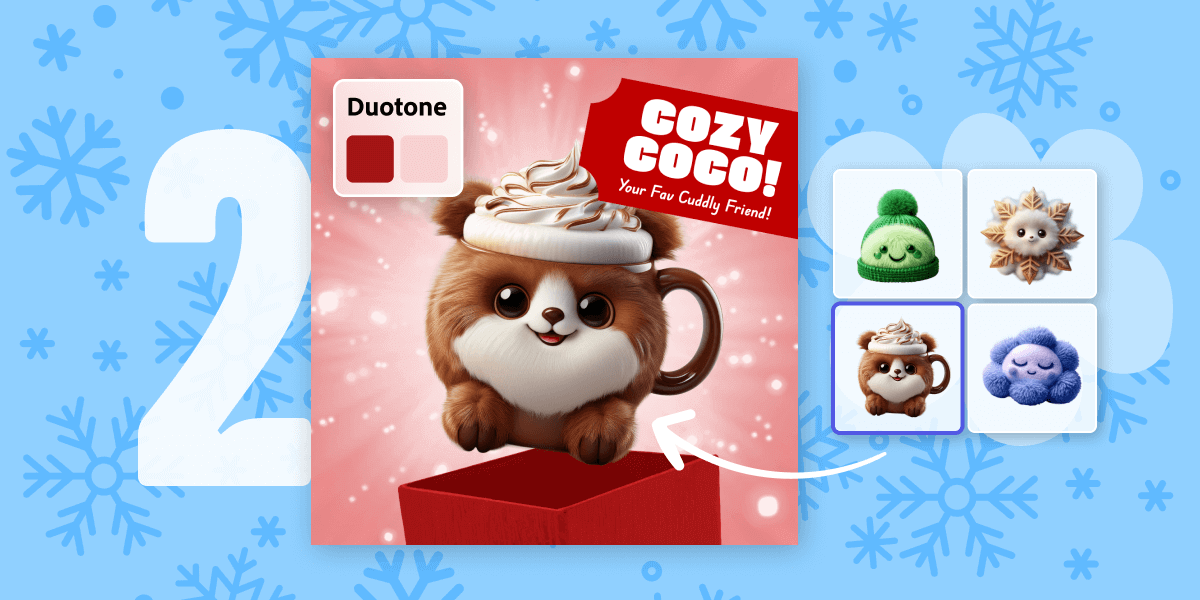
2. Design your very own stuffie
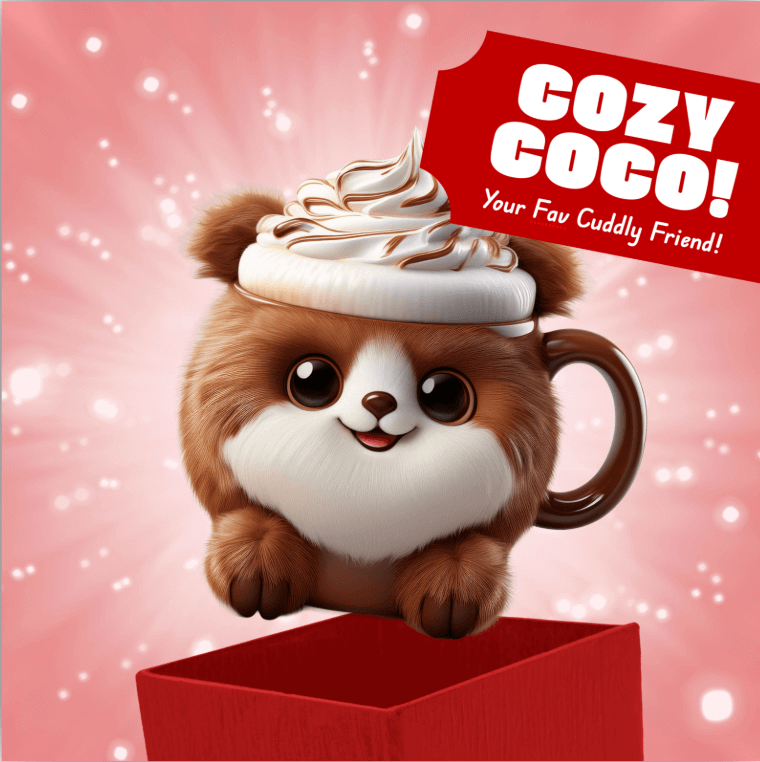
Challenge students to transform an everyday object into their own plush toy. They will practice using the generate Image, image effects, and background swapping features to achieve a hyper-realistic and textured design.
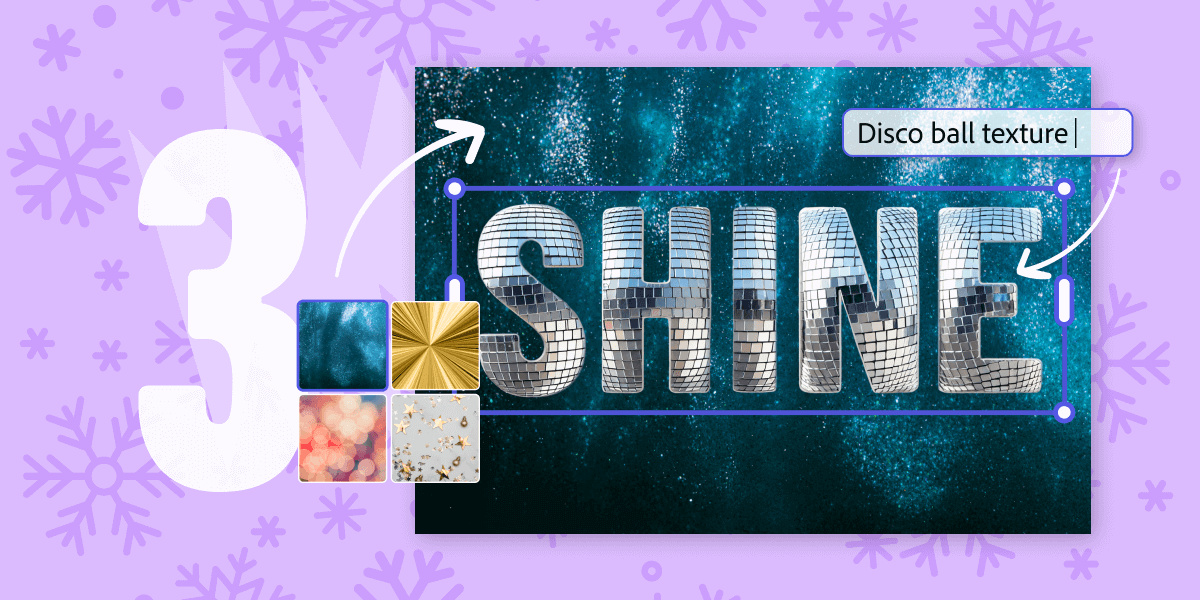
3. Design a one-word wallpaper
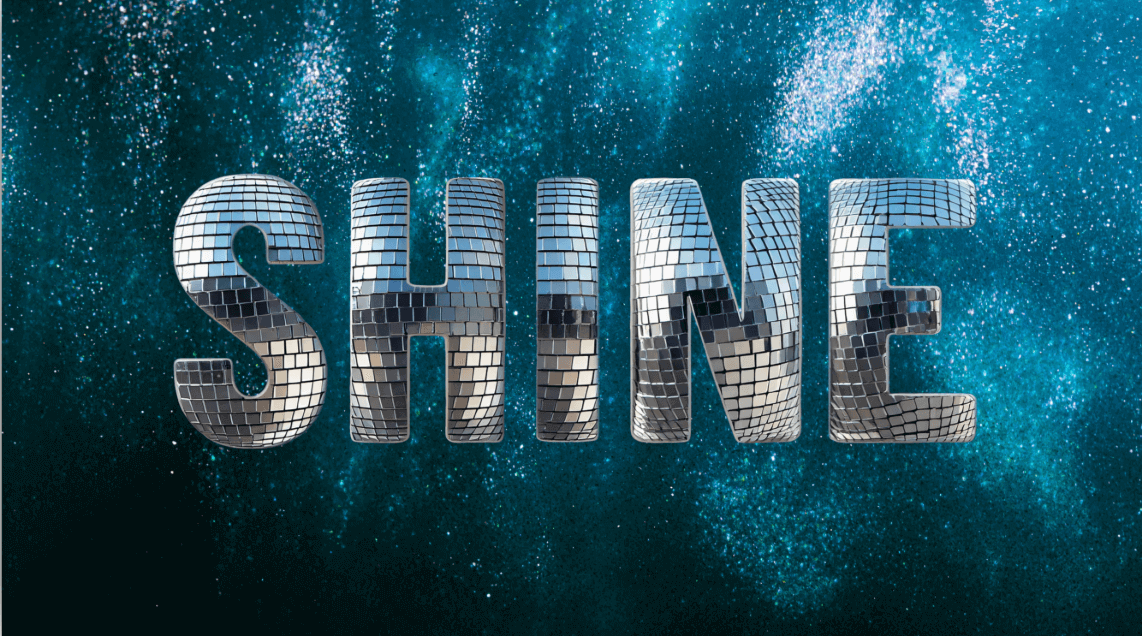
This activity asks students to leverage AI to visualize one aspirational word for 2026. The design focus is on hyper-realistic, futuristic, and vibrant aesthetics using text effects'and background swapping.
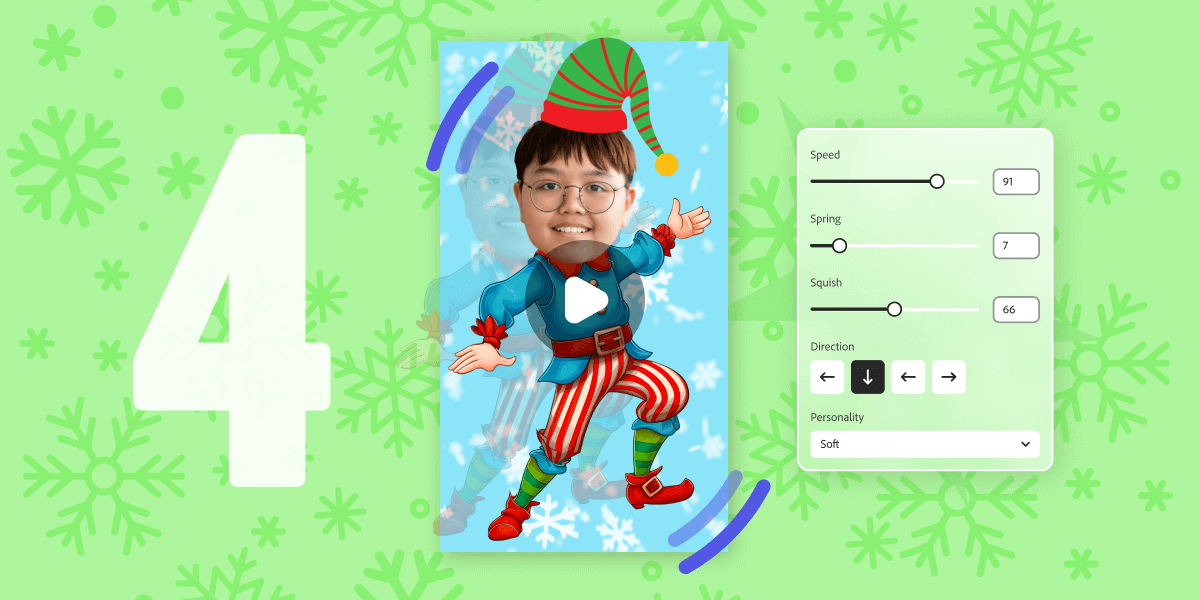
4. Transform yourself into a dancing elf
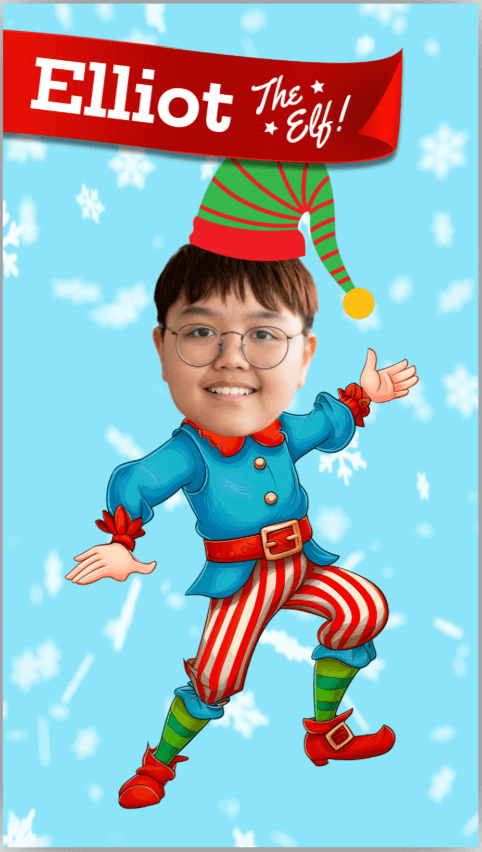
This creative challenge is all about putting a fun, festive spin on a personal photo. The goal is for students to turn themselves into a dancing elf character. Students will be working with a festive background and simple animated graphics to create their character.
This activity introduces foundational skills like photo upload and cropping. The key feature used for the final output is the wobble-loop animation, which brings the character to life with a playful, repeating movement.
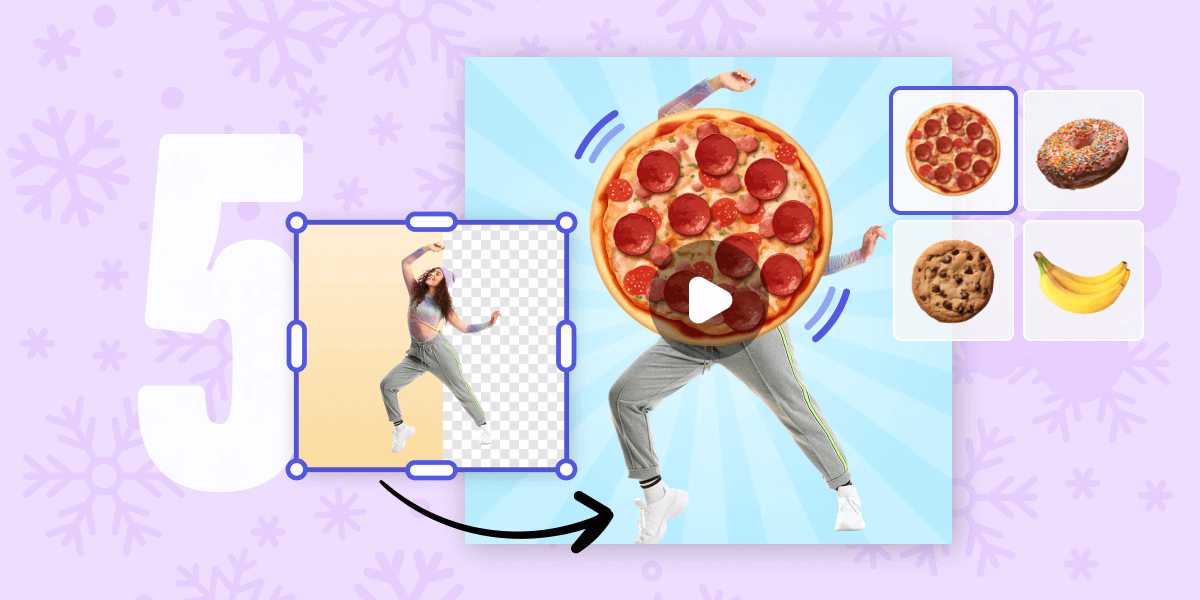
5. Animate a funky snack
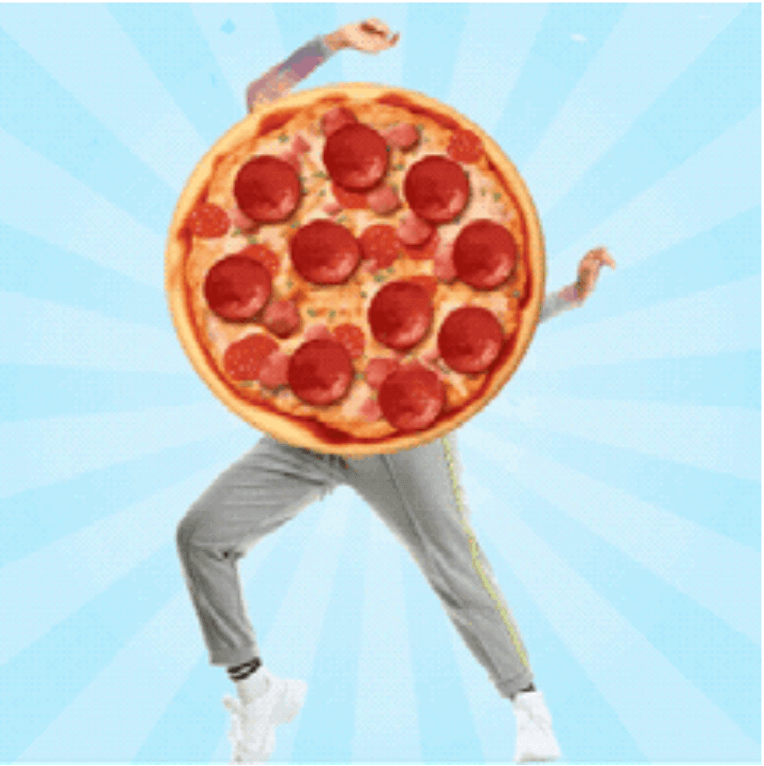
The objective of this challenge is to create a short, looping GIF of a dancing character paired with a favorite food, aiming for a cartoonish, playful, and meme-like result. This is a hands-on way to learn about layered elements, animation, and GIF export.
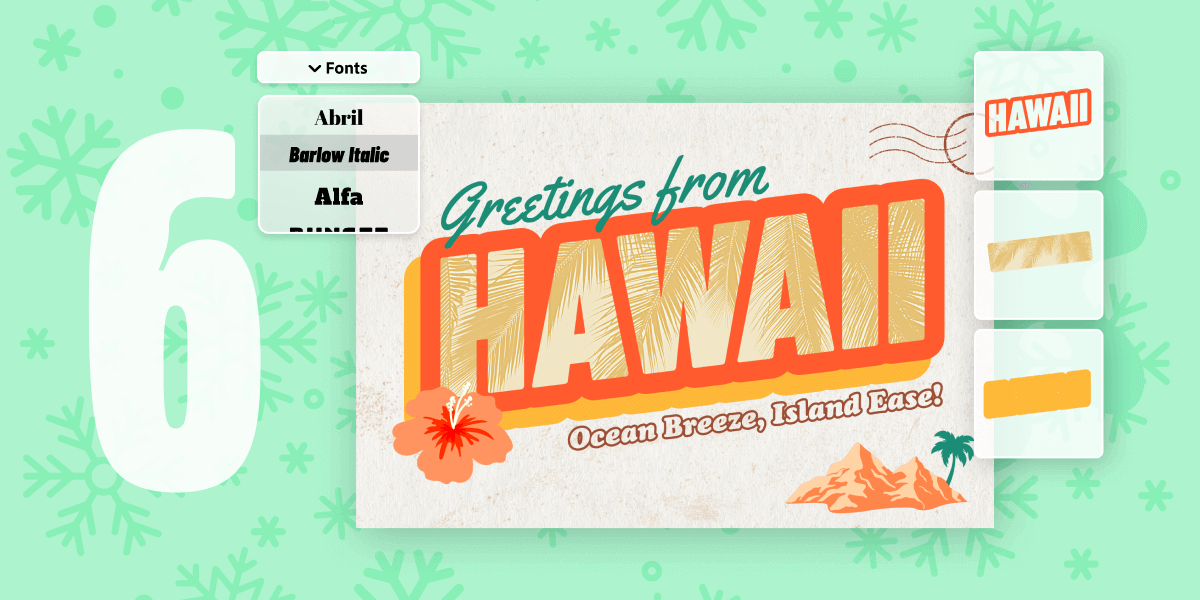
6. Send a vintage postcard
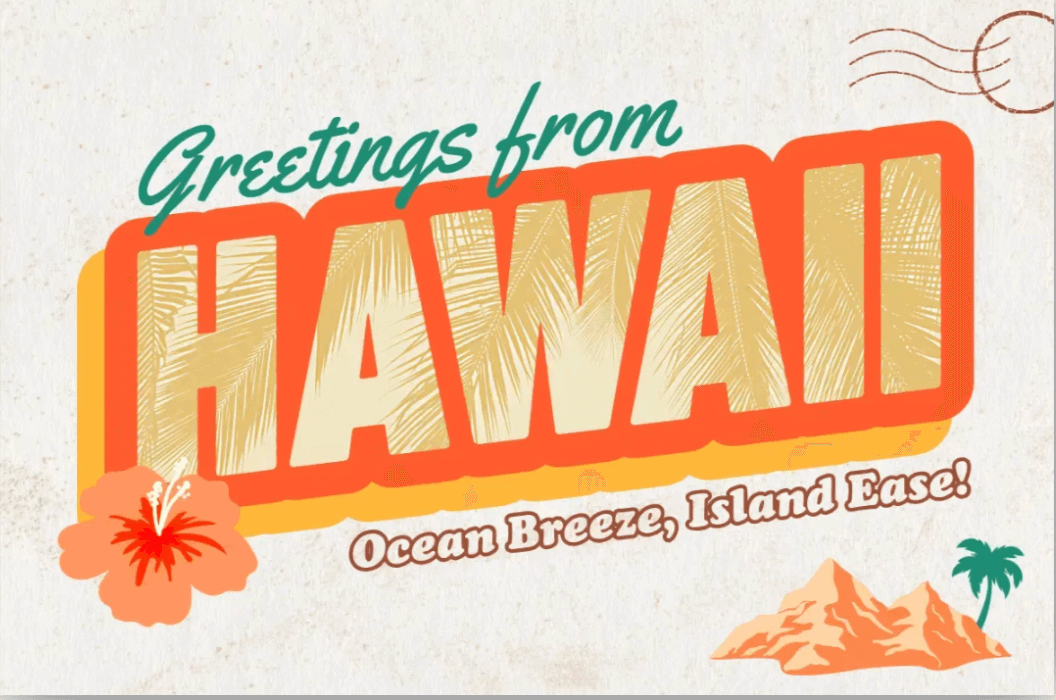
Students will design a vintage-inspired postcard that represents their dream destination , focusing on a tactile, 1950's retro, and nostalgic design. The challenge helps them practice using text effects and layering elements for that old-school look.
Using the 12 Days of Creativity with @AdobeExpress to spark some inspiration for the new year! ✨ Whether it’s assembling a talking snowman or building a vision board, these activities are helping us get creative! #12DaysOfCreativity #AdobeExpress #AdobeEduCreative
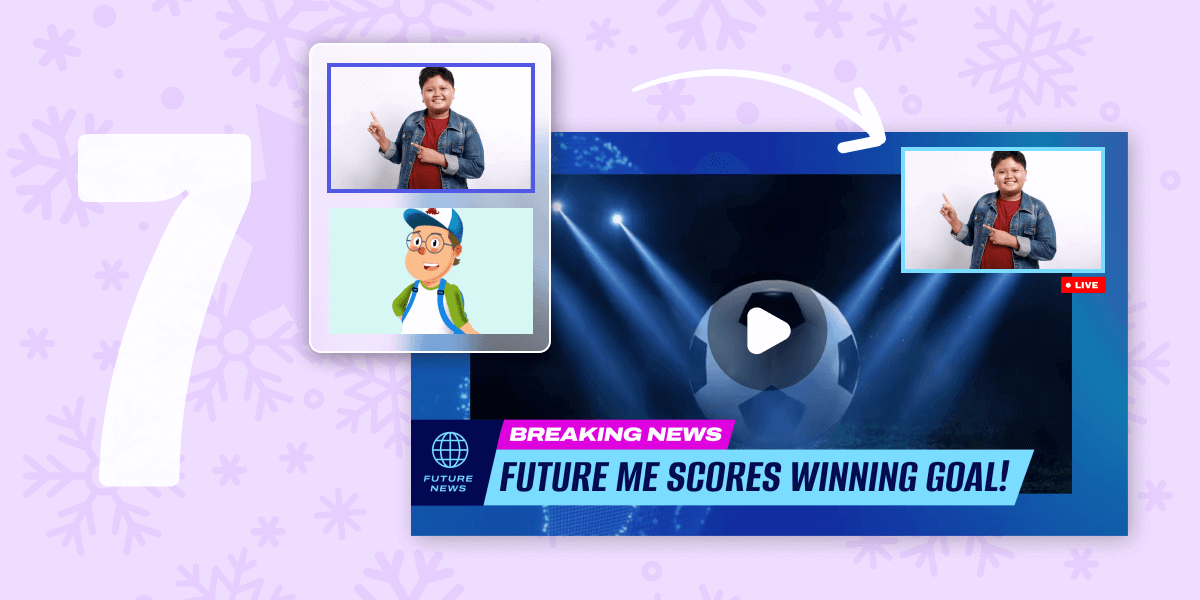
7. Record a news story from future you

This task involves creating a "breaking-news style broadcast" about a future achievement of the student. The core skills are using text effects, video upload, and video editing to produce a sleek, futuristic final product with dynamic movement
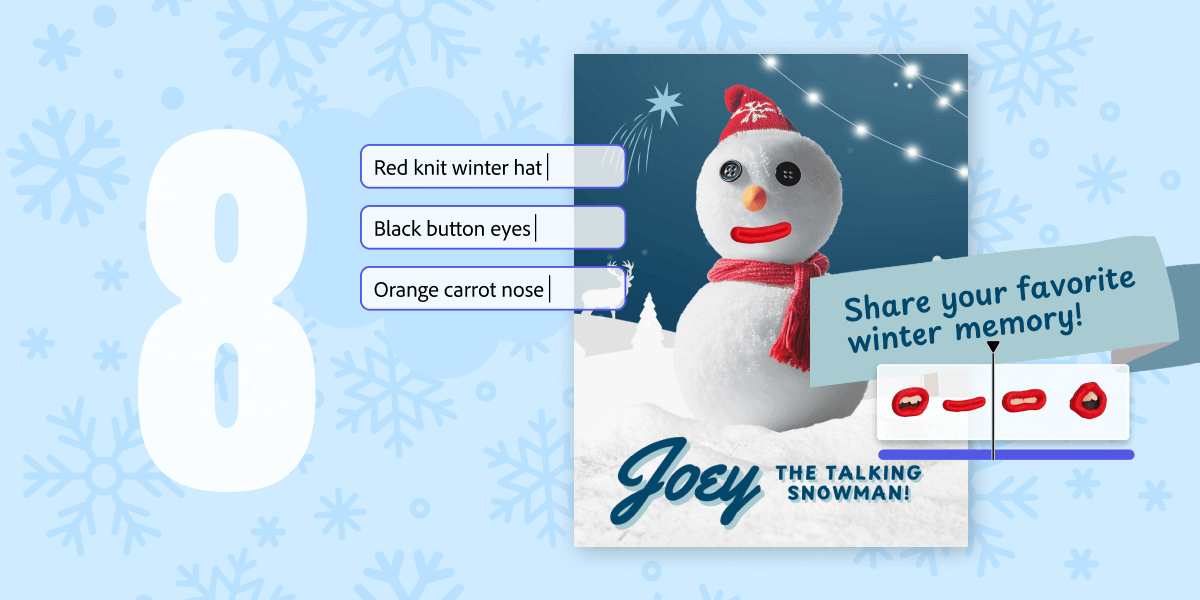
8. Assemble a talking snowman
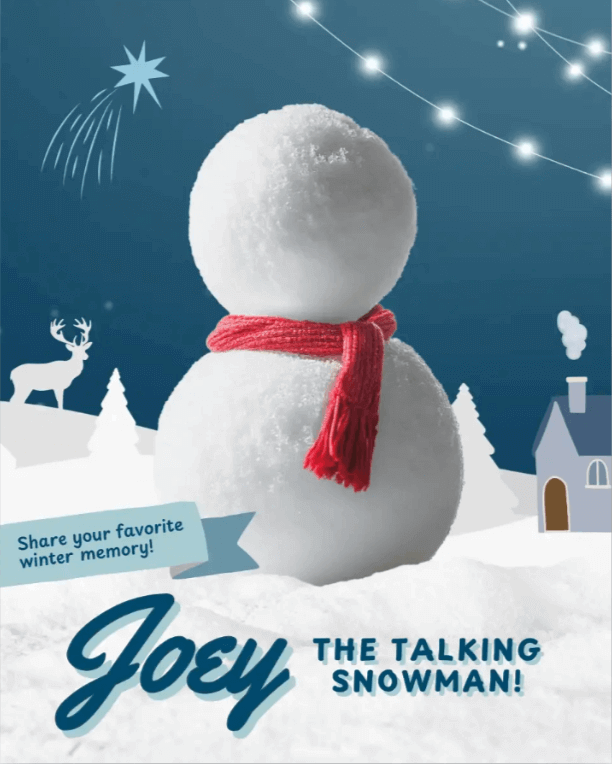
Students will build a winter scene, complete with a snowman, against a playful, collaged background. They will practice using insert object, generate image, add elements, and the animate character features.
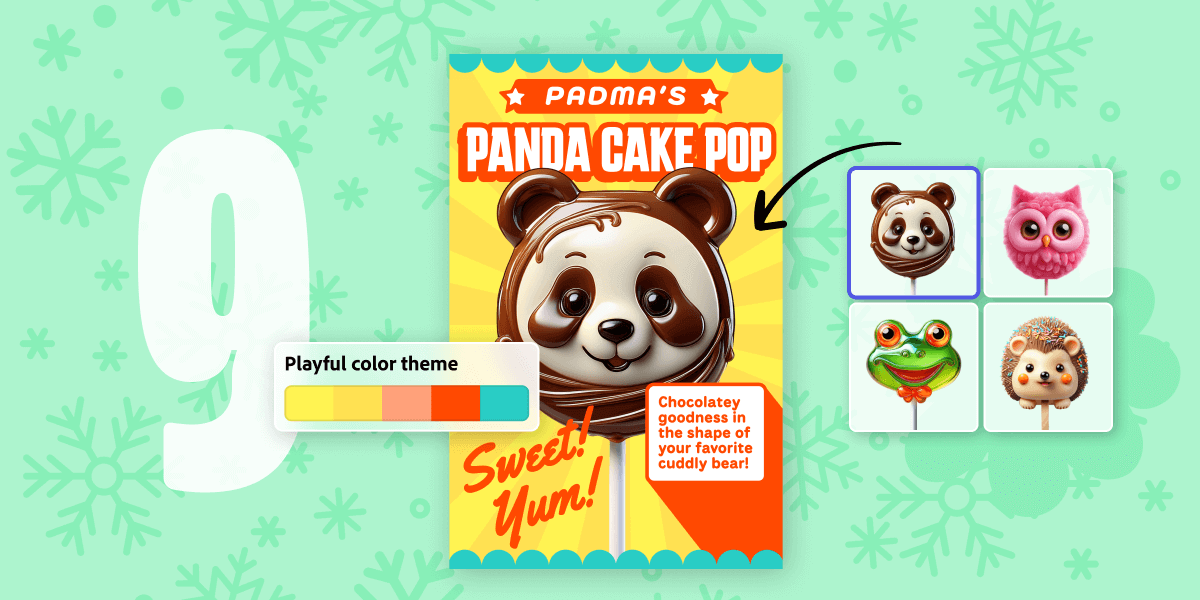
9. Sugarcoat your favorite animal
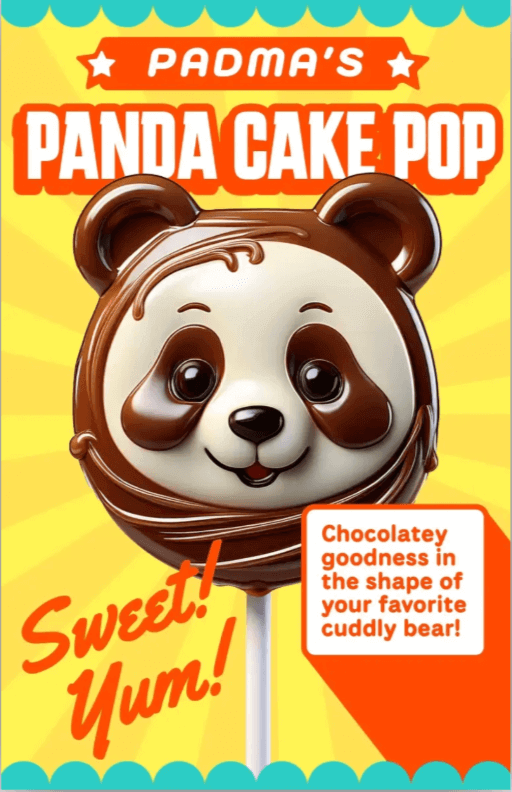
This creative advertising challenge asks students to create a visually striking ad for an imaginary tasty treat, such as the example Panda Cake Pop. The core goal is to create an appealing food item based on their favorite animal.
The design focus for the advertisement is on achieving a retro, bold, and eye-catching graphic style. Students will utilize the generate image feature to create the treat itself and master text effects to make the product name and slogans stand out. This task helps students explore graphic design principles while using AI tools for product creation and visual promotion.
Need a creative reset? The 12 Days of Creativity with @AdobeExpress is a fantastic way to end the year! 🎉 These bite-sized @AdobeExpress projects are super fun and easy to drop into your classroom—no complex setup needed. #12DaysOfCreativity #AdobeExpress #AdobeEduCreative
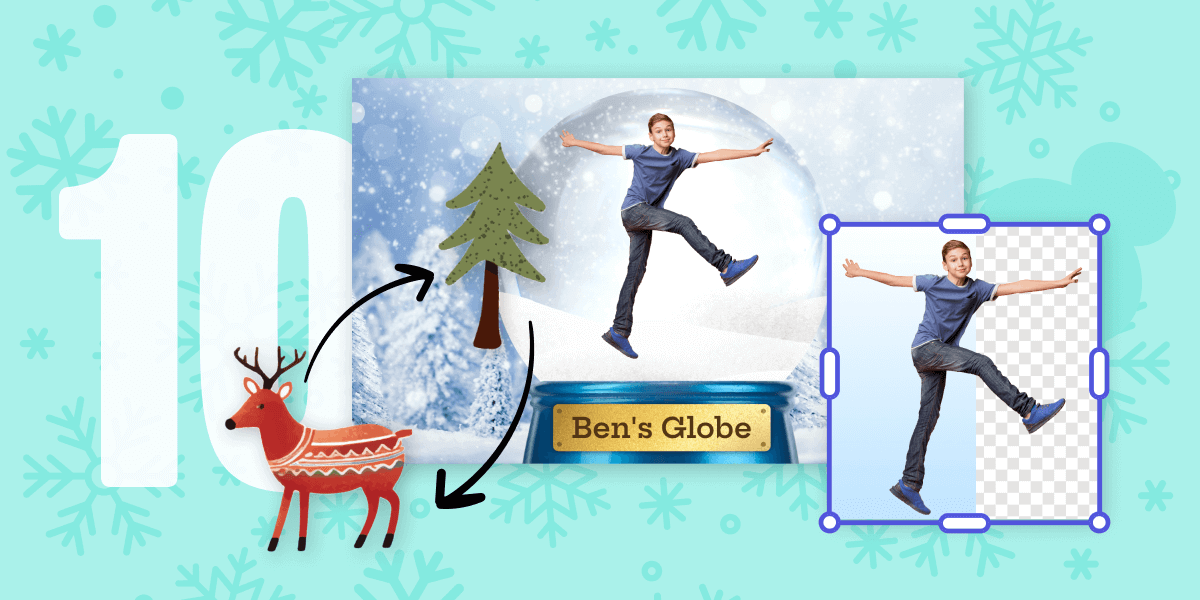
10. Construct a personalized snow globe
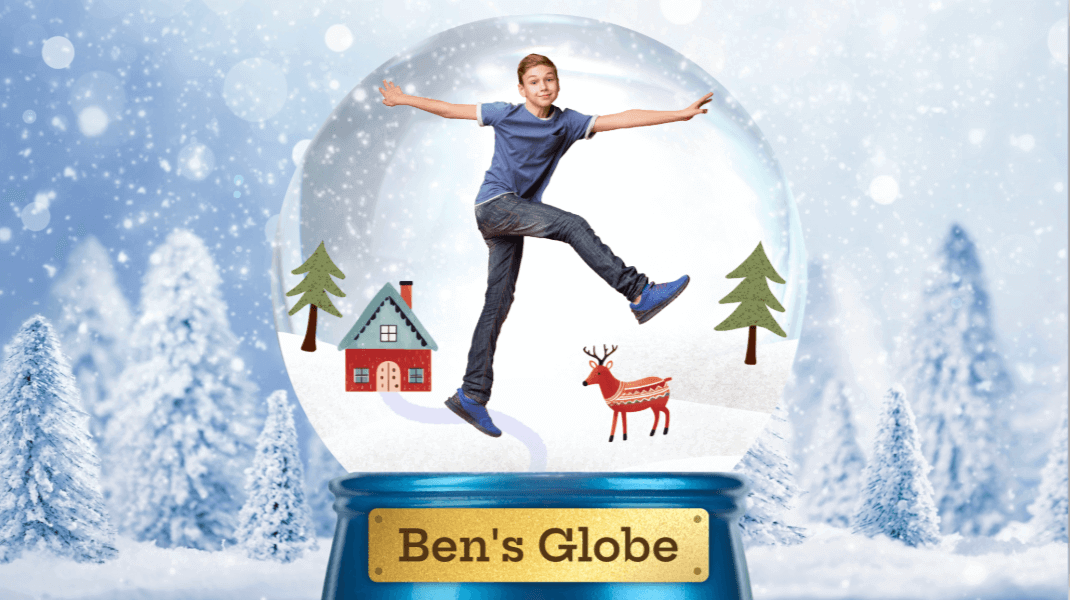
Students get to place themselves inside a magical, animated snow globe, focusing on a mixed-media, playful, and layered design. This challenge features multi-layer video editing and animation skills.
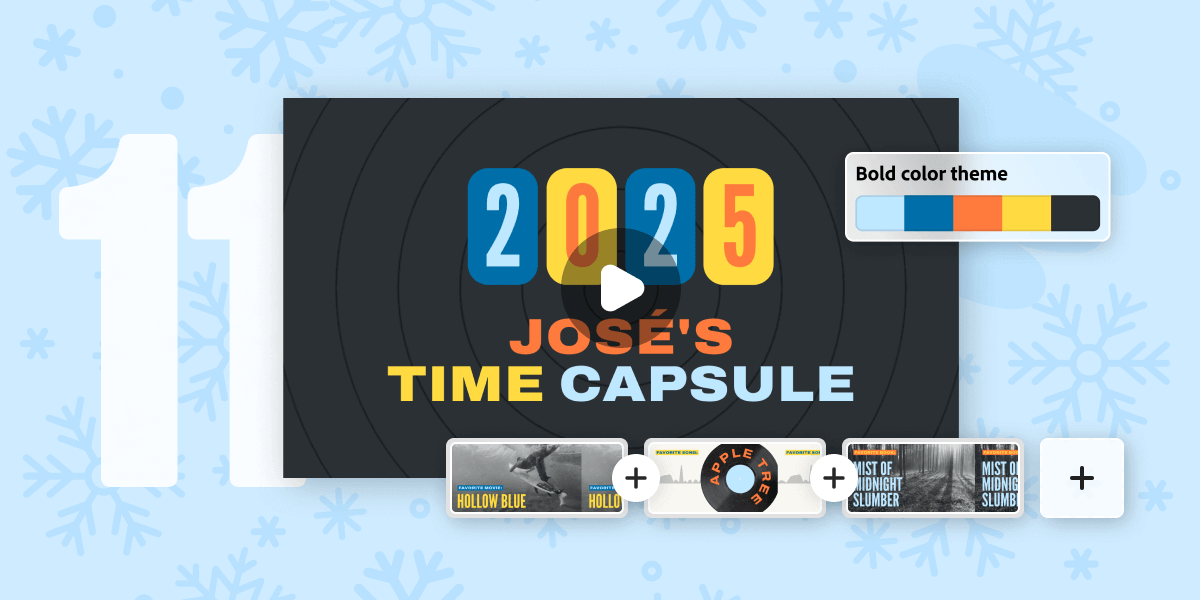
11. Personalize a time capsule
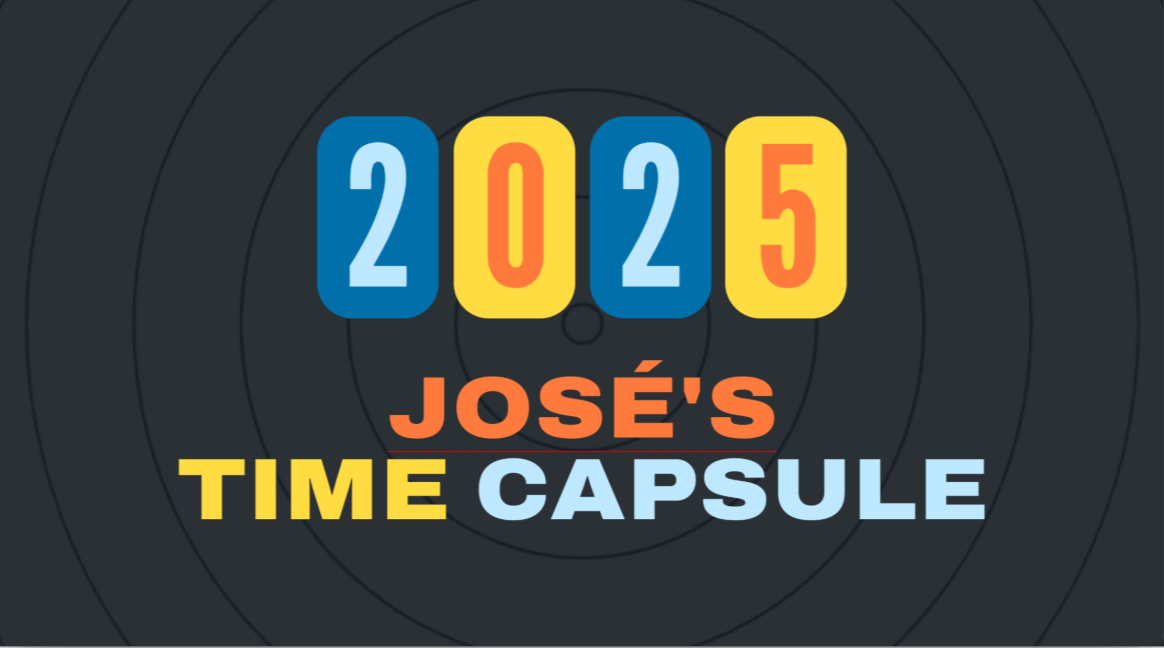
The activity prompts students to reflect on and capture their favorite things from the year (movie, song, book, etc.) in a polished, dynamic video. They will apply video and music editing skills to create a contemporary time capsule.
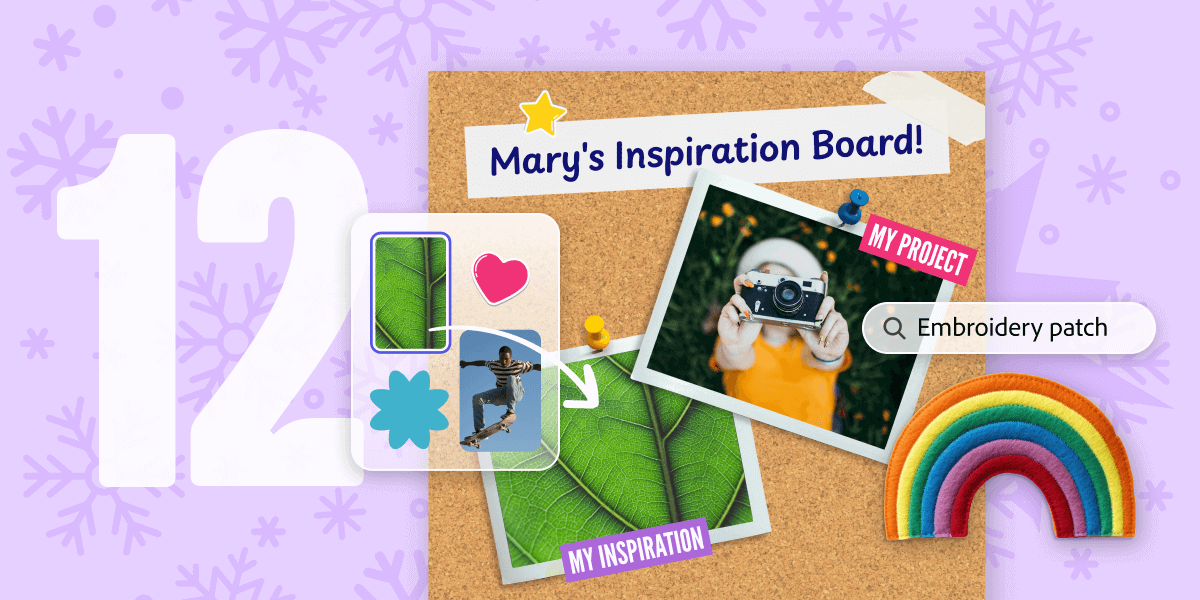
12. Curate an inspiration board
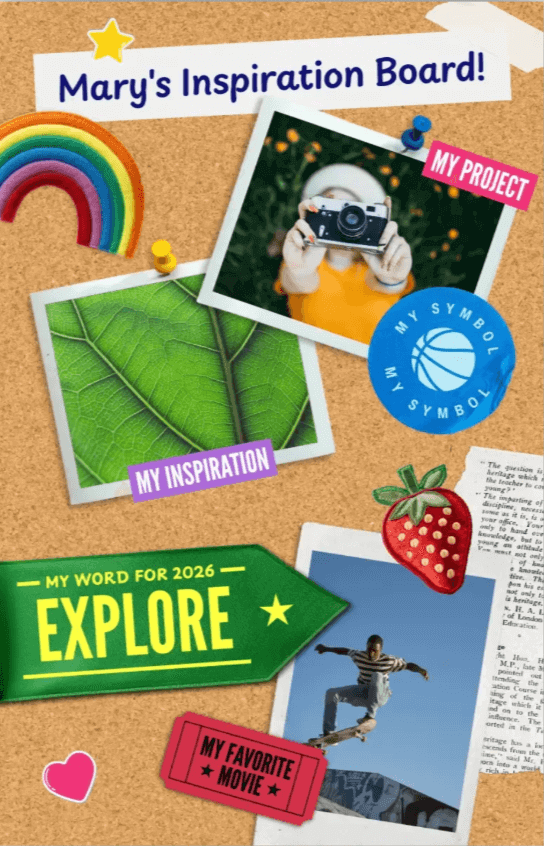
As the final activity in the challenge, the goal here is to create a 2026 inspiration board that acts as a visual roadmap for the year ahead. Students will showcase their aspirational visuals, phrases, and symbols in a dynamic layout. The resulting design should feature a layered and collage-style look.
This challenge is an excellent way to consolidate skills learned throughout the 12 days, focusing heavily on layering elements, applying different image effects, and utilizing text effects to bring their vision to life.
